Tile Freex
Pick tiles off layered stacks and collect them in sets of three.
- Developer
- GAMEFREEX
- Released
- Updated
- Game engine
- HTML5
- Platforms
- Browser (desktop, mobile, tablet), installable app (PWA)
- Orientation
- Portrait
- Controls
- Keyboard, Mouse, Touch, Controller
- Multiplayer
- Yes, with friends: score race, up to 4 players
- Offline play
- Yes, once opened or saved with Download games for offline
- Price
- Free, no download, no sign-up
- Puzzle16
- Portrait53
- Keyboard54
- Mouse57
- Multiplayer53
Controls
Computer
- Click on uncovered tiles to select them
- Arrow keys and Space also pick tiles
- 1, 2, 3: Shuffle, Undo, Zap
Phone or tablet
- Tap on uncovered tiles to select them
Controller
- Left stick or D-pad: choose a free tile
- A: move it to the tray
- X: Shuffle, B: Undo, Y: Zap
- Start: pause
Tile Freex: how to play, tips and FAQ
Written by the GAMEFREEX team.
Chunky 3D tiles with eight kawaii characters (strawberry, orange, star, frog, cloud, bunny, cupcake and kitty) are stacked three high on a picnic mat. You can only pick a tile that nothing covers: the covered ones are asleep. Each pick hops into a tray of seven slots, and three identical tiles in the tray jump out and pop. Fill all seven slots without a set and the game is over.
Level 1 has 24 tiles and level 2 has 36. From level 3 on, every board has 48 tiles. Helpers are scarce at the start: one Shuffle, no Undo and no Zap. You earn an Undo every two matches (you can hold three) and a Zap, which removes three matching tiles from the board, every three matches (you can hold two). Undo and Zap charges carry over to the next level. Only Shuffle resets, back to one, when a level starts.
- Visual scanning
- Planning
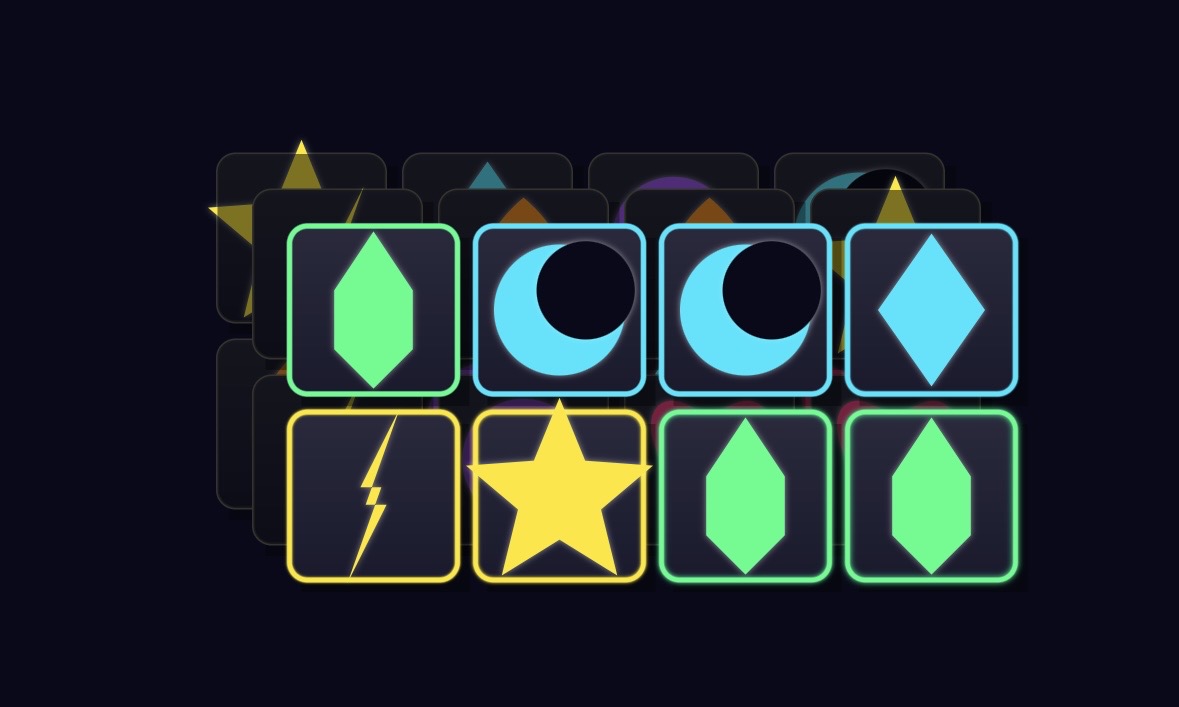
At a glance
- Game ends
- Tray full with no set
- Tray
- 7 slots
- Board layout
- 4 columns, stacks of 3
- Points
- 100 per set, 200 per board
- Timer
- None
How to play Tile Freex
- Click or tap an uncovered tile to move it into the tray. With a keyboard, the arrow keys choose a tile and Space or Enter picks it.
- Collect three of a kind in the tray to clear them.
- Use Shuffle, Undo or Zap from the buttons under the tray (or keys 1, 2 and 3) when stuck.
- Clear the whole board to move on.
Controls, action by action
| Action | Computer | Phone or tablet |
|---|---|---|
| Pick a tile | Click a tile that is not covered, or move with the arrow keys and press Space or Enter | Tap a tile that is not covered |
| Shuffle, Undo, Zap | Click the button under the tray, or press 1, 2 or 3 | Tap the button under the tray |
| Controller | Stick or D-pad to choose a tile, A to pick, X Shuffle, B Undo, Y Zap | Same as desktop with a Bluetooth controller |
| Pause | Pause button in the top bar | Pause button in the top bar |
How the stacks are built
The board is a picnic mat 4 tiles wide, and every cell holds a stack of 3 tiles. Level 1 has 8 stacks, level 2 has 12, and every board from level 3 on has 16. Each layer sits slightly to the right of and in front of the one below, so the lower tiles peek out at the back. A tile is only blocked by the tile sitting directly on top of it, never by its neighbors. Covered tiles sleep with their eyes closed, and only the awake ones on top can be picked.
So a pick from a stack of 2 or 3 uncovers exactly 1 new tile, and the last tile of a stack opens nothing. You cannot see a buried face, but the visible edges tell you how deep each stack still is. When 2 tiles you want are on top, take the one from the deeper stack first.
There are 8 characters: Strawberry, Orange, Star, Frog, Cloud, Bunny, Cupcake and Kitty, each on its own candy color. The mix is fixed, only the positions change. Level 1 holds each character exactly 3 times. Level 2 has 6 Strawberries, Oranges, Stars and Frogs, and 3 of each other character. From level 3, every character appears 6 times. On the first board, once a Kitty is in the tray, the other 2 Kitties are the only ones left anywhere.
What the 3 buttons do
Shuffle swaps the characters of every tile still on the board, buried ones included, without moving any tile. You get 1 per board, and it resets to 1 when the board clears, so an unused Shuffle is lost.
Undo takes back the tile you picked last and puts it on top of the stack it came from. If you have picked the tile under it since, it lands on what is left of that stack, and it covers whatever sits there.
Zap, the lightning button, removes 3 tiles of 1 character straight from the board when at least 3 of that character are still there. The game chooses the character, and it takes tiles from the bottom layer first, so the tiles above them drop down and it seldom opens a stack. It ignores the tray. If no character has 3 tiles left on the board, the button does nothing and keeps its charge. When a Zap takes the last tiles on the board, the board counts as cleared and the next level starts, and any tiles left in the tray that can no longer make a set are dropped. Undo and Zap charges carry over from one board to the next.
Where the points come from
Each set is worth 100 points and 1 coin, whether it clears in the tray or through Zap. Clearing a board adds 200. With no timer or move limit, your score only depends on how many sets and boards you get through before the tray fills.
Tips to score higher
- Before starting a set, check how many of that symbol you can reach. Two of a kind with no third in sight is how trays fill up.
- Pick tiles that uncover others first. More open tiles means more choices.
- Try to keep two or three tray slots free at all times.
Common mistakes
- Spending Undo early. It is earned slowly (1 every 2 sets, 3 at most), and it is worth most when the tray has 6 tiles and the last pick was the wrong one.
- Filling the tray with pairs. With 3 different pairs in the tray, the 7th pick has to complete one of them or the game ends. Keep it to 2 open pairs at most.
- Expecting Zap to open the board. It removes bottom-layer tiles first, so use it to thin out a character, not to free a stuck stack.
Tile Freex FAQ
Why can't I select some tiles?+
A tile sits on top of them, and they sleep until it leaves. Pick the tile above first.
Do levels keep getting bigger?+
Up to level 3. From there every board has 48 tiles in three layers.