GAMEFREEX brand kit
The logo, the heart mascot and the animated logo, ready to download, with the rules the site itself follows. Every file is drawn from the same art as the site header and the browser tab icon.
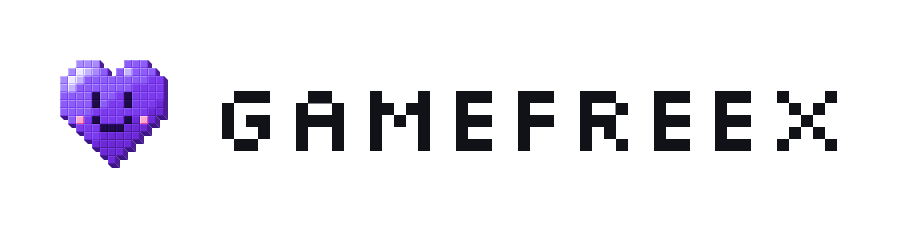
The default logo: the heart, then the word. Use it in headers, banners and the end card of a video.

Colour, light. Dark ink. For white and pale backgrounds.

Colour, dark. White ink. For dark backgrounds.

Black. One colour, for one-colour printing.

White. One colour, for photos and the purple.
The heart above the word, for square and tall spaces: posters, splash screens, social images.
Colour, light. Dark ink. For white and pale backgrounds.
Colour, dark. White ink. For dark backgrounds.
Black. One colour, for one-colour printing.

White. One colour, for photos and the purple.



Vector PDFs (they scale to any size, the clear space is included) and 300 dpi PNGs 2480 px wide, the width of an A4 page. The colours are RGB: the CMYK values below are a starting point for your printer, so ask for a proof when the colour matters.
| File | Horizontal | Stacked | Icon |
|---|---|---|---|
| Colour, light | PDFPNG 300 dpi | PDFPNG 300 dpi | PDFPNG 300 dpi |
| Colour, dark | PDFPNG 300 dpi | PDFPNG 300 dpi | Same as light |
| Black | PDFPNG 300 dpi | PDFPNG 300 dpi | PDFPNG 300 dpi |
| White | PDFPNG 300 dpi | PDFPNG 300 dpi | PDFPNG 300 dpi |
Smallest print size: 30 mm wide for the horizontal logo, 20 mm for the stacked one, 6 mm for the icon.
Four seconds: the heart pops in, waves, jumps to its place, the letters appear one by one, then the logo holds. For the start or the end of videos, trailers and game intros. MP4 (H.264, 30 fps), 1920 x 1080 and 1080 x 1080.
Purple. The accent, with the white logo.
MP4 16:9MP4 squareLime. The mascot’s lime, dark ink.
MP4 16:9MP4 squareBlack. White ink.
MP4 16:9MP4 squareWhite. Dark ink.
MP4 16:9MP4 square
Transparent background. WebM (VP9 with alpha) to lay over your own footage.
White ink, 16:9White ink, squareDark ink, 16:9Dark ink, squareThe heart of the logo is also the mascot. Twelve faces, transparent PNG at 512 and 1024 px, and SVG. Keep the idle face for the logo itself.
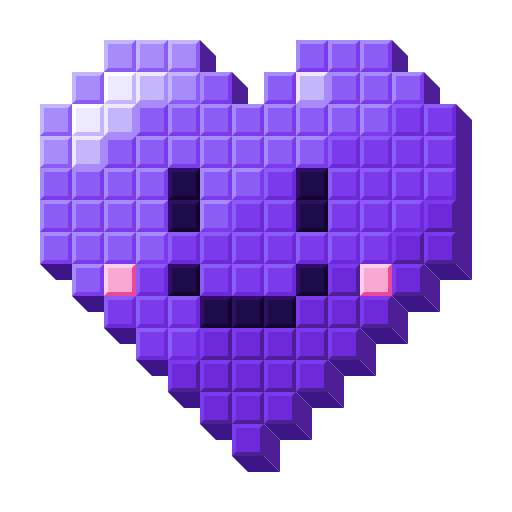
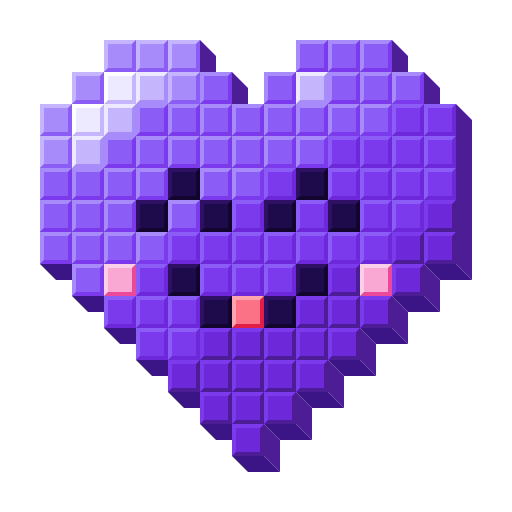
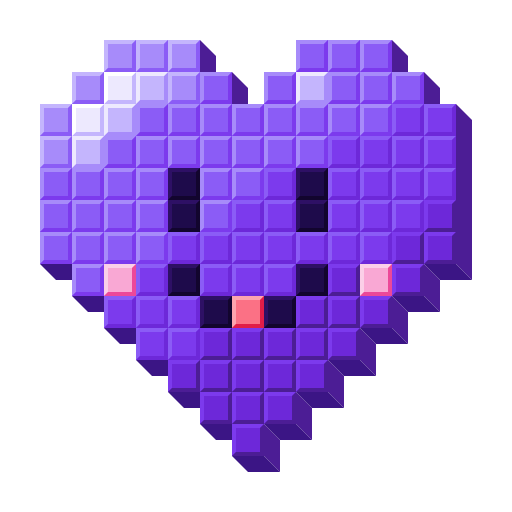
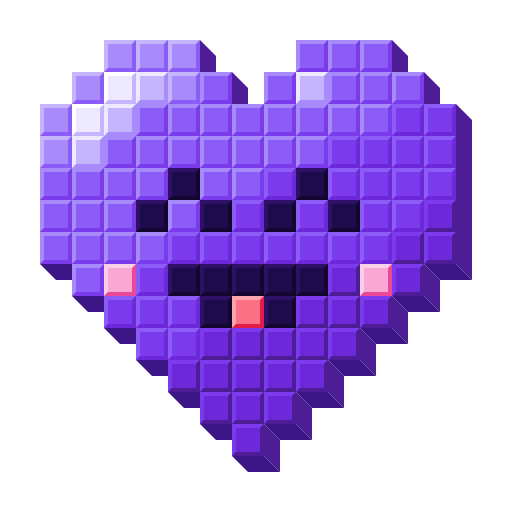
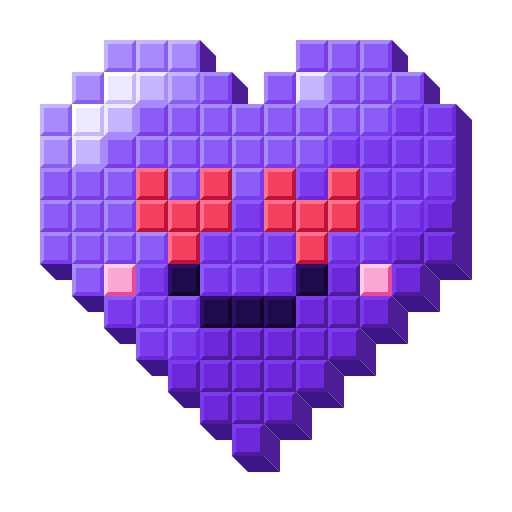
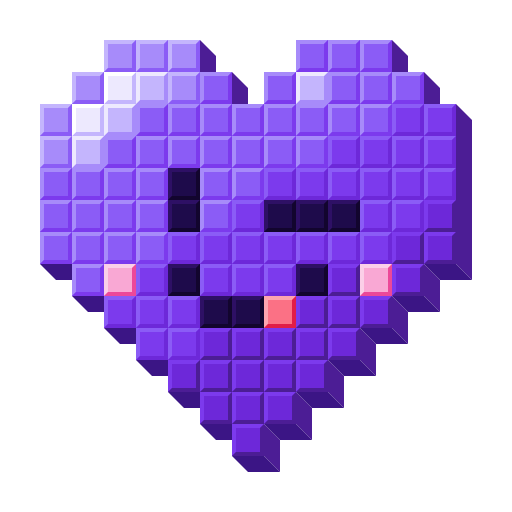


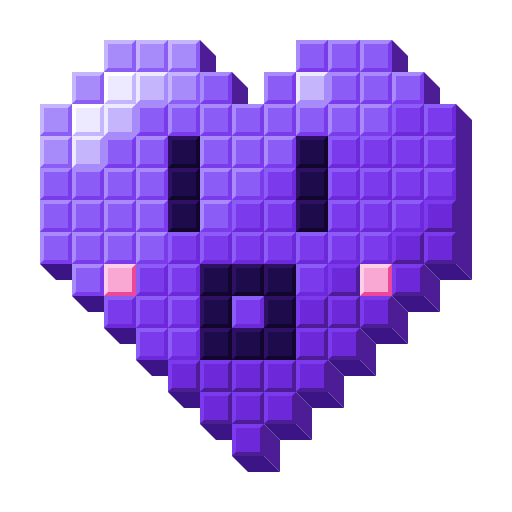
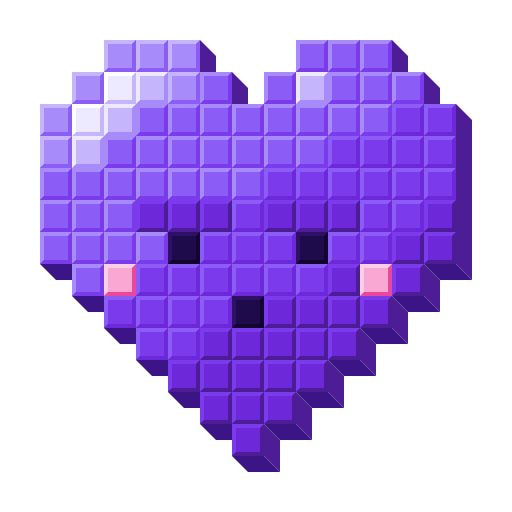
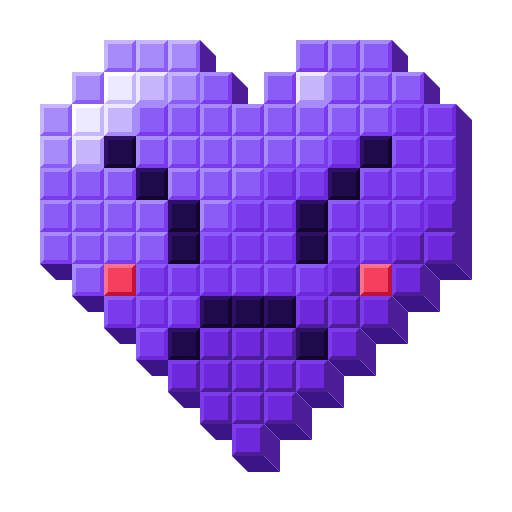
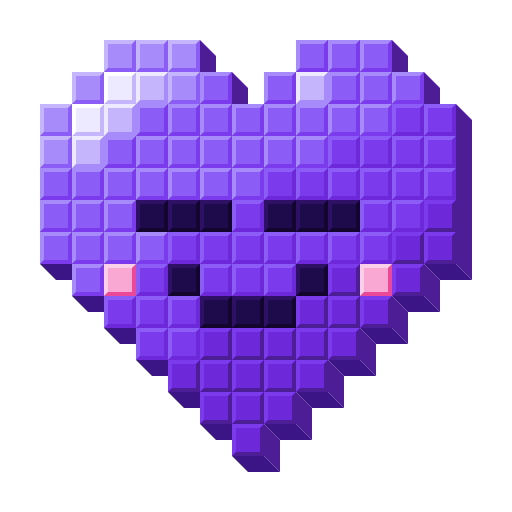
The 16 x 16 pixel mascot of the site, with the same twelve faces. Scale it by whole multiples so the pixels stay square.














Clear space
Leave an empty margin at least as tall as the capital letters of GAMEFREEX around the logo, and a quarter of its width around the icon. The files with a background already have it.
Minimum sizes
- Horizontal: 130 px wide on screen, 30 mm in print.
- Stacked: 90 px on screen, 20 mm in print.
- Icon: 16 px on screen, 6 mm in print.
- On screen, sizes where the word is a multiple of 8 px tall (16, 24, 32 px) keep the letters sharp.
Do
- Use the files as they are, scaled as a whole.
- Colour light on white and pale backgrounds, colour dark on dark ones.
- The white version on photos and on the purple accent, black for one-colour printing.
Do not
- Recolour the heart or the word, or add an outline, a glow, a gradient or a shadow.
- Stretch, rotate or rearrange it, or change the gap between the heart and the word.
- Retype GAMEFREEX or set it in another font.
- Put the colour heart on the purple: it disappears. Use the white logo there.
- Swap the logo's face for another expression.
- Place it on a busy part of a photo, or next to something it does not endorse.
Brand
- #7C3AED
Accent violet
RGB 124, 58, 237 · CMYK 48, 76, 0, 7
--gx-accent, --wx-sel (light), --icon-color (light)Buttons, selection, icons, title bar stripes, the purple video background.
- #A78BFA
Light violet
RGB 167, 139, 250 · CMYK 33, 44, 0, 2
--wx-sel (dark), --icon-color (dark)The accent on dark backgrounds.
- #6D28D9
Deep violet
RGB 109, 40, 217 · CMYK 50, 82, 0, 15
--gx-accent-lo (light)Lower stop of accent fills.
- #4C1D95
Violet edge
RGB 76, 29, 149 · CMYK 49, 81, 0, 42
--gx-accent-edge (light)The 3D lip under a primary button, the heart's shading.
- #E6157A
Heart magenta
RGB 230, 21, 122 · CMYK 0, 91, 47, 10
--wx-heart (light; #EC1C85 dark)Favourite and like hearts only. The logo heart stays violet.
- #A3E635
Lime
RGB 163, 230, 53 · CMYK 29, 0, 77, 10
MASCOT_PALETTE.LThe mascot's spark, the green video background.
The heart
- #C4B5FD
Heart light
RGB 196, 181, 253 · CMYK 23, 28, 0, 1
GHighlights on the top left.
- #8B5CF6
Heart body
RGB 139, 92, 246 · CMYK 43, 63, 0, 4
EMost of the front.
- #7C3AED
Heart base
RGB 124, 58, 237 · CMYK 48, 76, 0, 7
DLower front.
- #4C1D95
Heart shade
RGB 76, 29, 149 · CMYK 49, 81, 0, 42
BRight side of the extrusion.
- #3B1585
Heart dark
RGB 59, 21, 133 · CMYK 56, 84, 0, 48
ABottom of the extrusion.
- #1E0B4B
Face
RGB 30, 11, 75 · CMYK 60, 85, 0, 71
KEyes and mouth: a very dark violet, never pure black.
- #F9A8D4
Blush
RGB 249, 168, 212 · CMYK 0, 33, 15, 2
PCheeks.
Light theme
- #FFFFFF
Paper
RGB 255, 255, 255 · CMYK 0, 0, 0, 0
--background, --wx-paperPage and windows.
- #111118
Text
RGB 17, 17, 24 · CMYK 29, 29, 0, 91
--foregroundBody text, the wordmark on light.
- #000000
Ink
RGB 0, 0, 0 · CMYK 0, 0, 0, 100
--wx-ink, --borderFrames and hard shadows.
- #4A4A58
Muted text
RGB 74, 74, 88 · CMYK 16, 16, 0, 65
--muted-foregroundSecondary text.
- #EFE7FF
Hover
RGB 239, 231, 255 · CMYK 6, 9, 0, 0
--wx-hoverHovered rows and buttons.
- #F3E8FF
Tint
RGB 243, 232, 255 · CMYK 5, 9, 0, 0
--secondary, --mutedTinted panels.
Dark theme (the default)
- #0C0C14
Night
RGB 12, 12, 20 · CMYK 40, 40, 0, 92
--background, --wx-deskPage.
- #141420
Window
RGB 20, 20, 32 · CMYK 38, 38, 0, 87
--card, --wx-paperWindows, cards, the footer.
- #1A1A2E
Fill
RGB 26, 26, 46 · CMYK 43, 43, 0, 82
--secondary, --wx-hoverFields, hovered rows.
- #6E6E96
Slate line
RGB 110, 110, 150 · CMYK 27, 27, 0, 41
--wx-ink, --borderFrames (3.8:1 on the windows). Shadows stay black.
- #FFFFFF
Text
RGB 255, 255, 255 · CMYK 0, 0, 0, 0
--foregroundBody text, the wordmark on dark.
- #9CA3AF
Muted text
RGB 156, 163, 175 · CMYK 11, 7, 0, 31
--muted-foregroundSecondary text.
- #160A33
On accent
RGB 22, 10, 51 · CMYK 57, 80, 0, 80
--wx-on-sel, --gx-on-accentText on the light violet.
CMYK values are a plain conversion from RGB, without a colour profile. Bright violets print duller than they look on screen. In dark mode the accent becomes the light violet with dark text on it: the accent violet is only 3.4:1 on the dark background.
GAMEFREEX
Silkscreen Regular
The wordmark, window titles and section headings. Weight 400 only, 16 or 24 px, short labels in capitals.
Play now
Outfit
Page titles, buttons, scores and game screens, bold to extra bold.
Free games that open in the browser tab.
Inter
Body text, forms and tables: 400 for text, 600 for emphasis. About 70 characters per line.
A 1-bit desktop in colour: windows with a whole pixel of ink around them, pinstriped title bars, hard shadows that never blur.
- Spacing on the 4 px scale; page gutters 16 px on phones, 40 px from tablets.
- Corners: windows 6 px, buttons 8 px, fields 3 px.
- Shadows: 1, 2 or 4 px down and right. Hover lifts a pixel, a press sinks one.
- Motion: 90 ms for a press, 140 ms for colour, 200 ms for a lift, ease-out. The logo and the mascots move in pixel steps. Nothing moves with reduced motion on.
- Icons: one filled pixel set on a 24 px grid, in the accent colour.
- Contrast: body text at least 4.5:1, frames and large text 3:1, focus always visible.
A dialog with its title bar, close box and info strip.
Partners and the press may use these files to talk about GAMEFREEX and to link to it. Use them as they are: do not alter the logo, and do not use it in a way that suggests GAMEFREEX endorses something it does not.
The fonts are not ours. Silkscreen (by Jason Kottke), Inter and Outfit are under the SIL Open Font License 1.1 and keep that licence; get them from Google Fonts.
Questions, or a format that is missing: contact@gamefreex.com.